16/04/2026 • 3 min read

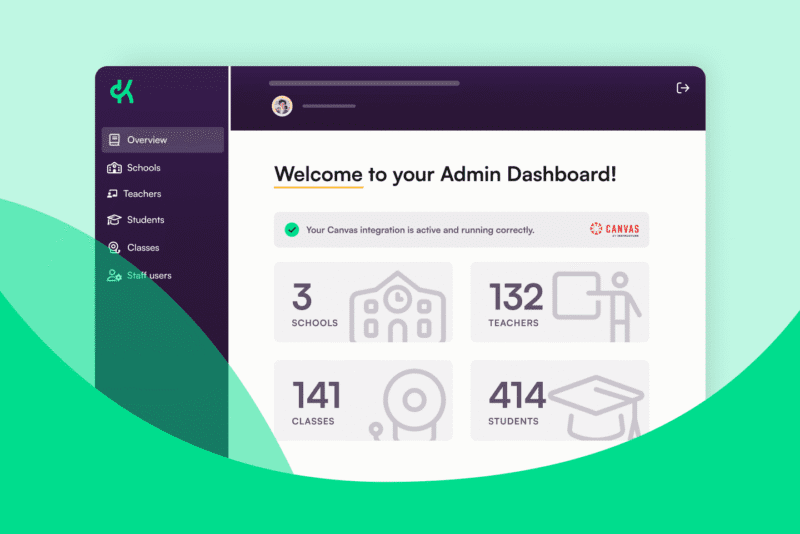
Full control across your district: introducing the Admin Dashboard
Rolling out a new instructional platform across a school or district is no small undertaking. There are teachers to onboard, systems to connect, instructional frameworks to align… and at every step, leaders need to feel confident that implementation is on track in every school and classroom. But it can be hard to get a clear picture, especially if you’re relying on self-reporting, ad hoc check-ins, or waiting until problems surface before piecing together what’s happening.
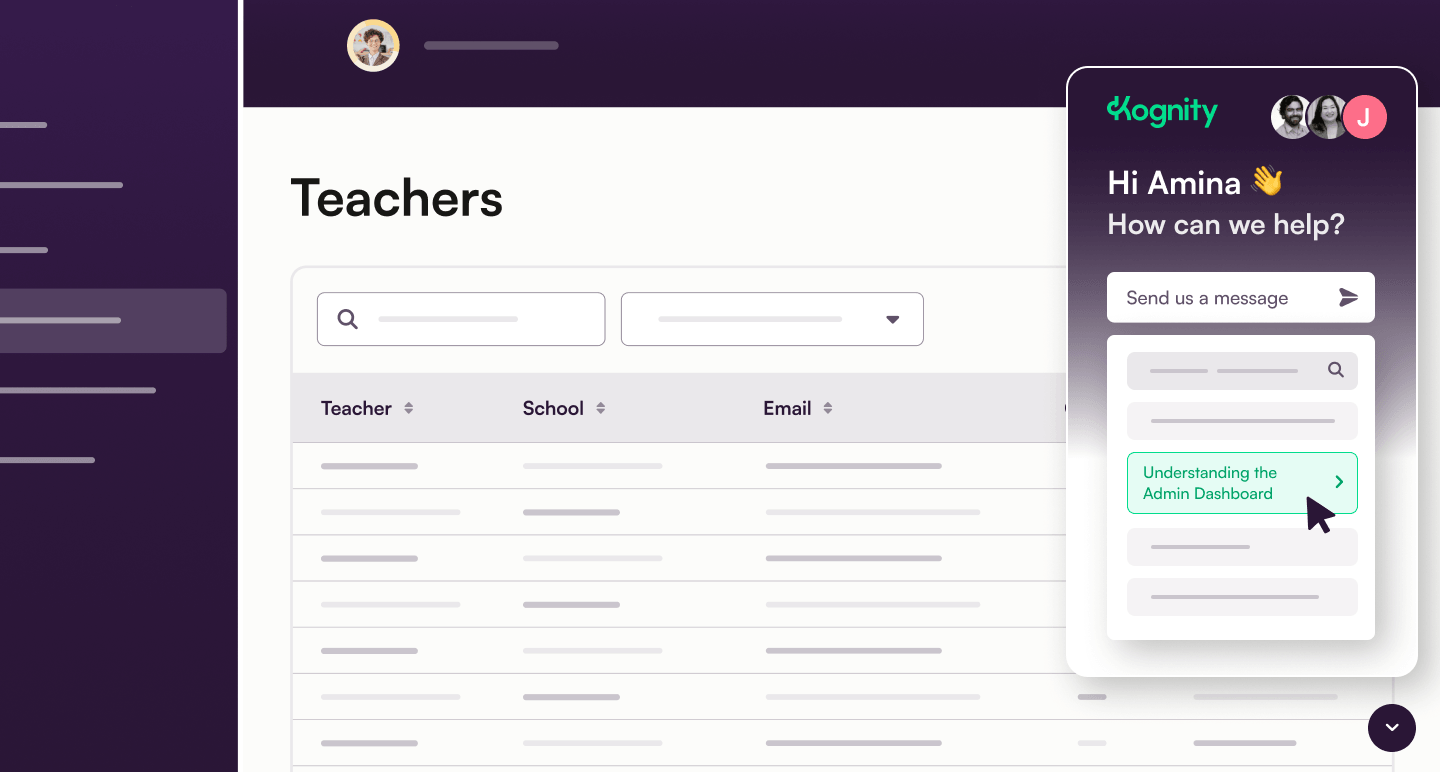
Kognity’s new Admin Dashboard changes that. It gives district administrators and school leaders greater visibility and control over how Kognity is set up across multiple schools. That way, they can stay on top of implementation from the start and step in with the right support when needed.
No more guesswork about implementation
When you’re rolling out a new instructional platform, you want to be sure that your teachers are getting started successfully. This often involves pulling together scattered updates from different teams and campuses, or even asking principals or teachers directly, which is time-consuming and doesn’t always tell the full story.
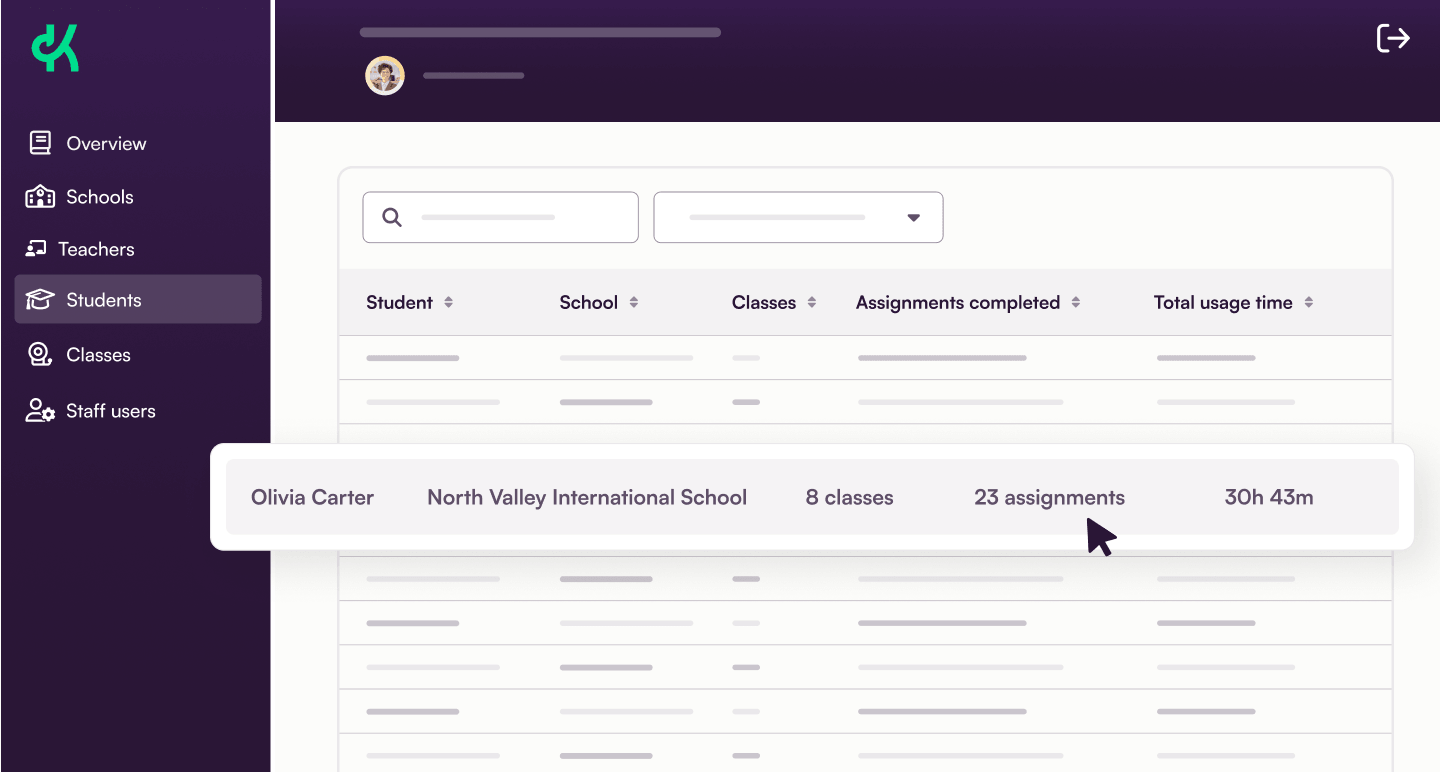
The Admin Dashboard gives district leaders and school administrators a clear view of how implementation is progressing across every school. Leaders can check setup status, review class enrolment, and dive into ongoing classes to understand activity and usage at class level. That means less time spent chasing updates, and more confidence that Kognity is being set up as intended across the district.
A strong foundation for implementation
The Admin Dashboard is one part of a broader implementation package designed to help districts get Kognity up and running seamlessly from day one.
That includes:
- Dedicated onboarding support, with a structured process that ensures teachers feel comfortable and ready to use the platform before the school year begins.
- Integrations to support rostering, single sign-on (SSO), task management, and grade passback, reducing the friction of getting started.
- Top-class customer support, on hand throughout the year to answer questions, troubleshoot issues, and help teams get the most from Kognity.
Ultimately, this implementation package is built around the reality of school life — recognizing that teachers are busy, that change takes time, and that having the right support and oversight in place every step of the way makes all the difference.
Built to grow with your district
We’re building out the Admin Dashboard in close partnership with the districts using it, and feedback from administrators on the ground will directly shape how the tool evolves. Further developments are already in the works to continue expanding the depth and usefulness of the insights it provides.
The goal is straightforward: to give district leaders the confidence that their Kognity investment is being put to good use, across every school and for every student.
See it for yourself
The Kognity Admin Dashboard is live now. Request a demo to see how it works, and to understand how it would help your district to support a successful, consistent Kognity rollout.
Blog articles